


Page 90 - Python Data Science Handbook
P. 90
and others on arrays leads to element-wise operations. NumPy also implements com‐
               parison operators such as < (less than) and > (greater than) as element-wise ufuncs.
               The result of these comparison operators is always an array with a Boolean data type.
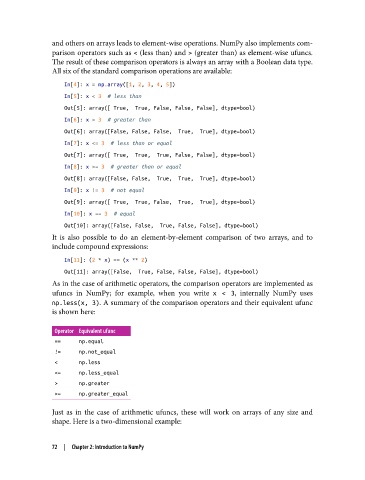
               All six of the standard comparison operations are available:

                   In[4]: x = np.array([1, 2, 3, 4, 5])
                   In[5]: x < 3  # less than
                   Out[5]: array([ True,  True, False, False, False], dtype=bool)
                   In[6]: x > 3  # greater than
                   Out[6]: array([False, False, False,  True,  True], dtype=bool)
                   In[7]: x <= 3  # less than or equal
                   Out[7]: array([ True,  True,  True, False, False], dtype=bool)
                   In[8]: x >= 3  # greater than or equal
                   Out[8]: array([False, False,  True,  True,  True], dtype=bool)
                   In[9]: x != 3  # not equal
                   Out[9]: array([ True,  True, False,  True,  True], dtype=bool)
                   In[10]: x == 3  # equal
                   Out[10]: array([False, False,  True, False, False], dtype=bool)
               It is also possible to do an element-by-element comparison of two arrays, and to
               include compound expressions:
                   In[11]: (2 * x) == (x ** 2)
                   Out[11]: array([False,  True, False, False, False], dtype=bool)
               As in the case of arithmetic operators, the comparison operators are implemented as
               ufuncs in NumPy; for example, when you write x < 3, internally NumPy uses
               np.less(x, 3). A summary of the comparison operators and their equivalent ufunc
               is shown here:

                Operator Equivalent ufunc
                ==     np.equal
                !=     np.not_equal
                <      np.less
                <=     np.less_equal
                >      np.greater
                >=     np.greater_equal

               Just as in the case of arithmetic ufuncs, these will work on arrays of any size and
               shape. Here is a two-dimensional example:


               72  |  Chapter 2: Introduction to NumPy

