


Page 91 - Python Data Science Handbook
P. 91
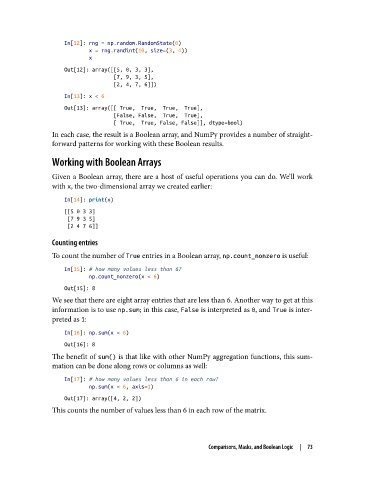
In[12]: rng = np.random.RandomState(0)
                           x = rng.randint(10, size=(3, 4))
                           x
                   Out[12]: array([[5, 0, 3, 3],
                                   [7, 9, 3, 5],
                                   [2, 4, 7, 6]])
                   In[13]: x < 6
                   Out[13]: array([[ True,  True,  True,  True],
                                   [False, False,  True,  True],
                                   [ True,  True, False, False]], dtype=bool)
               In each case, the result is a Boolean array, and NumPy provides a number of straight‐
               forward patterns for working with these Boolean results.

               Working with Boolean Arrays

               Given a Boolean array, there are a host of useful operations you can do. We’ll work
               with x, the two-dimensional array we created earlier:

                   In[14]: print(x)
                   [[5 0 3 3]
                    [7 9 3 5]
                    [2 4 7 6]]

               Counting entries
               To count the number of True entries in a Boolean array, np.count_nonzero is useful:

                   In[15]: # how many values less than 6?
                           np.count_nonzero(x < 6)
                   Out[15]: 8
               We see that there are eight array entries that are less than 6. Another way to get at this
               information is to use np.sum; in this case, False is interpreted as 0, and True is inter‐
               preted as 1:

                   In[16]: np.sum(x < 6)
                   Out[16]: 8
               The benefit of sum() is that like with other NumPy aggregation functions, this sum‐
               mation can be done along rows or columns as well:

                   In[17]: # how many values less than 6 in each row?
                           np.sum(x < 6, axis=1)
                   Out[17]: array([4, 2, 2])
               This counts the number of values less than 6 in each row of the matrix.


                                                           Comparisons, Masks, and Boolean Logic  |  73

