


Page 38 - MercNET User's Guide
P. 38
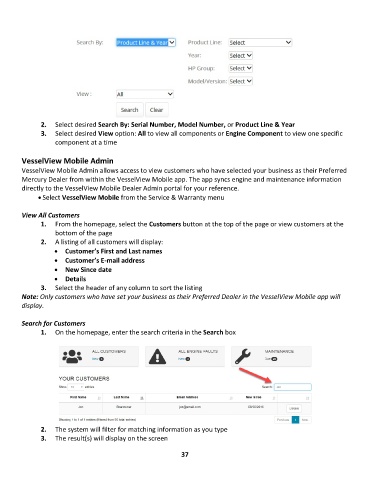
2 2. .    Select desired Search By: Serial Number, Model Number, or Product Line & Year
               3 3. .    Select desired View option: All to view all components or Engine Component to view one specific
                   component at a time

        VesselView Mobile Admin
        VesselView Mobile Admin allows access to view customers who have selected your business as their Preferred
        Mercury Dealer from within the VesselView Mobile app. The app syncs engine and maintenance information
        directly to the VesselView Mobile Dealer Admin portal for your reference.
              • Select VesselView Mobile from the Service & Warranty menu

        View All Customers
               1.  From the homepage, select the Customers button at the top of the page or view customers at the
                   bottom of the page
               2.  A listing of all customers will display:
                   •  Customer’s First and Last names
                   •  Customer’s E-mail address
                   •  New Since date
                   •  Details
               3.  Select the header of any column to sort the listing
        Note: Only customers who have set your business as their Preferred Dealer in the VesselView Mobile app will
        display.

        Search for Customers
               1.  On the homepage, enter the search criteria in the Search box


               2.  The system will filter for matching information as you type
               3.  The result(s) will display on the screen

                                                             37

