


Page 16 - MercNET User's Guide
P. 16
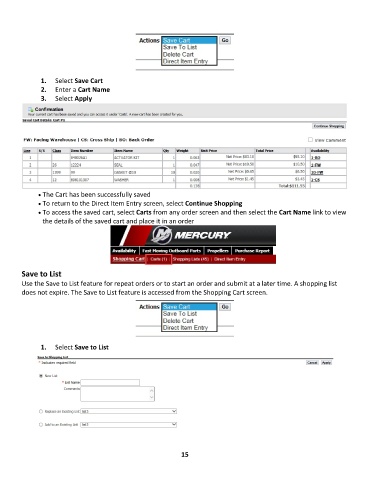
1.  Select Save Cart
               2.  Enter a Cart Name
               3.  Select Apply


              • •   The Cart has been successfully saved
              • •   To return to the Direct Item Entry screen, select Continue Shopping
              • •   To access the saved cart, select Carts from any order screen and then select the Cart Name link to view
               the details of the saved cart and place it in an order


        Save to List
        Use the Save to List feature for repeat orders or to start an order and submit at a later time. A shopping list
        does not expire. The Save to List feature is accessed from the Shopping Cart screen.


               1.  Select Save to List


                                                             15

