


Page 20 - Computing book 6
P. 20
Analysing Data                                                                       Class 6


               Setting Print Area:

               Before you print an Excel workbook, it is important to decide exactly what information you want to
               print. For example, if you have multiple worksheets in your workbook, you will need to decide if you
               want to print the entire workbook or only active worksheets. There may also be times when you
               want to print only a selection of content from your workbook.

               You can also set the print area in advance so you will be able to visualize which cells will be printed
               as you work in Excel. Simply select the cells you want to print, click the Page Layout tab, select the
               Print Area command, then choose Set Print Area. Keep in mind that if you ever need to print the
               entire workbook, you will need to clear the print area.


               How to Fit Content Before Printing:

               If some of your content is being cut off by the printer, you can use scaling to fit your workbook to
               the page automatically.

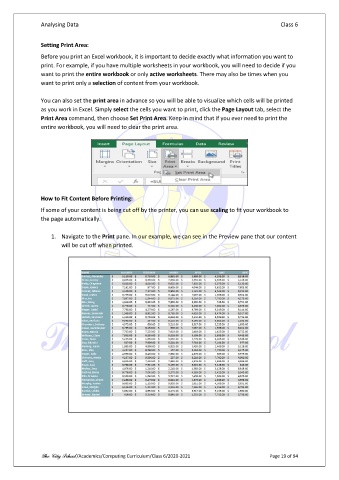
                   1.  Navigate to the Print pane. In our example, we can see in the Preview pane that our content
                       will be cut off when printed.


               The City School /Academics/Computing Curriculum/Class 6/2020-2021                Page 19 of 94

