


Page 100 - Scratch Programming Playground
P. 100
In this code, we set the y position of the ground level
                         to -130. If the Cat sprite’s y position is greater than (above)
                         the ground level, then y velocity is changed by -2 and the Cat
                         sprite will fall. eventually, the Cat sprite will fall past -130,
                         and its y position will be less than (below) the -130 ground
                         level. when that happens, the Cat sprite will be reset at the
                         ground level of -130, and y velocity will go back to 0 to stop
                         the sprite from falling.


                         Save point

                         Click the green flag to test the code so far. Drag the cat up
                         using your mouse, and let go. Make sure the cat falls to the
                         ground but does not fall past the edge of the Stage. you can
                         experiment with different ground levels by changing -130 to
                         another number. Then click the red stop sign and save your
                         program.


                              when you’re done testing your program, make the y
                         velocity variable invisible on the Stage by unchecking the
                         checkbox next to it in the orange Data category.

                         3. Add the Jumping Code to the Cat Sprite

                         after adding the gravity code to the Cat sprite, making the cat
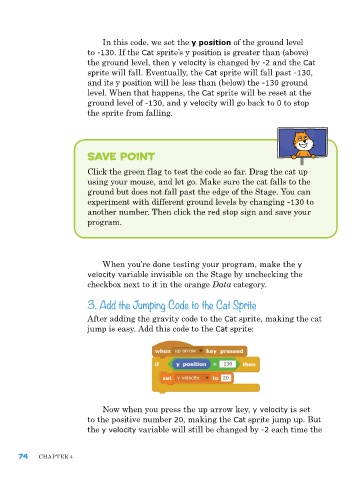
                         jump is easy. add this code to the Cat sprite:


                             now when you press the up arrow key, y velocity is set
                         to the positive number 20, making the Cat sprite jump up. But
                         the y velocity variable will still be changed by -2 each time the


      74    ChapTer 4

