


Page 31 - Computing E-Book Grade 3
P. 31
The City School  2021-2022


           4.  To apply shading on paragraph, select the shading tab and apply your desired
              paragraph shading.                                                                                    ext

                                                                                                                    Working with T


           2.5.  Bullets and Numbering in Word


           Bullet points are used to draw attention to important
                                                                                       1
           information within a document so that a reader can                          2 3
           identify the key issues and facts quickly.


           Creating a Bulleted List in Word


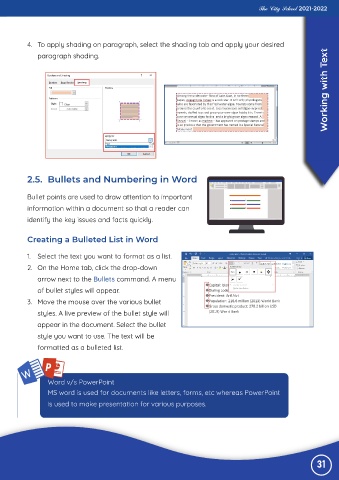
           1.  Select the text you want to format as a list.

           2.  On the Home tab, click the drop-down
              arrow next to the Bullets command. A menu
              of bullet styles will appear.

           3.  Move the mouse over the various bullet

              styles. A live preview of the bullet style will
              appear in the document. Select the bullet
              style you want to use. The text will be

              formatted as a bulleted list.


                  Word v/s PowerPoint
                  MS word is used for documents like letters, forms, etc whereas PowerPoint
                  is used to make presentation for various purposes.


                                                                                                                31

