


Page 166 - Python Data Science Handbook
P. 166
The pd.merge() function recognizes that each DataFrame has an “employee” column,
               and automatically joins using this column as a key. The result of the merge is a new
               DataFrame that combines the information from the two inputs. Notice that the order
               of entries in each column is not necessarily maintained: in this case, the order of the
               “employee” column differs between df1  and df2, and the pd.merge()  function cor‐
               rectly accounts for this. Additionally, keep in mind that the merge in general discards
               the index, except in the special case of merges by index (see “The left_index and
               right_index keywords” on page 151).

               Many-to-one joins
               Many-to-one joins are joins in which one of the two key columns contains duplicate
               entries. For the many-to-one case, the resulting DataFrame will preserve those dupli‐
               cate entries as appropriate. Consider the following example of a many-to-one join:

                   In[4]: df4 = pd.DataFrame({'group': ['Accounting', 'Engineering', 'HR'],
                                              'supervisor': ['Carly', 'Guido', 'Steve']})
                          print(df3); print(df4); print(pd.merge(df3, df4))
                   df3                                   df4
                     employee        group  hire_date             group supervisor
                   0      Bob   Accounting       2008    0   Accounting      Carly
                   1     Jake  Engineering       2012    1  Engineering      Guido
                   2     Lisa  Engineering       2004    2           HR      Steve
                   3      Sue           HR       2014
                   pd.merge(df3, df4)
                     employee        group  hire_date supervisor
                   0      Bob   Accounting       2008      Carly
                   1     Jake  Engineering       2012      Guido
                   2     Lisa  Engineering       2004      Guido
                   3      Sue           HR       2014      Steve
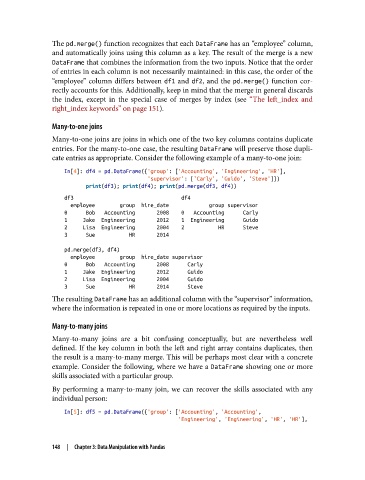
               The resulting DataFrame has an additional column with the “supervisor” information,
               where the information is repeated in one or more locations as required by the inputs.

               Many-to-many joins

               Many-to-many joins are a bit confusing conceptually, but are nevertheless well
               defined. If the key column in both the left and right array contains duplicates, then
               the result is a many-to-many merge. This will be perhaps most clear with a concrete
               example. Consider the following, where we have a DataFrame showing one or more
               skills associated with a particular group.
               By performing a many-to-many join, we can recover the skills associated with any
               individual person:
                   In[5]: df5 = pd.DataFrame({'group': ['Accounting', 'Accounting',
                                                        'Engineering', 'Engineering', 'HR', 'HR'],


               148  |  Chapter 3: Data Manipulation with Pandas

