


Page 222 - Python Data Science Handbook
P. 222
Visualizing the data
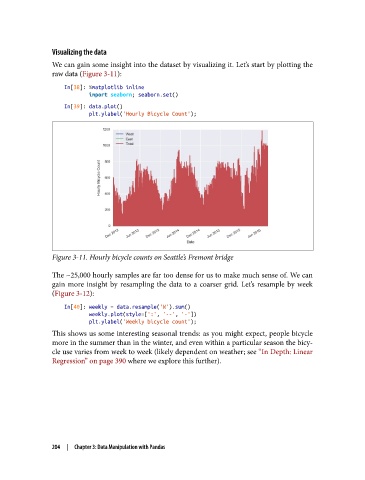
               We can gain some insight into the dataset by visualizing it. Let’s start by plotting the
               raw data (Figure 3-11):
                   In[38]: %matplotlib inline
                           import seaborn; seaborn.set()
                   In[39]: data.plot()
                           plt.ylabel('Hourly Bicycle Count');


               Figure 3-11. Hourly bicycle counts on Seattle’s Fremont bridge

               The ~25,000 hourly samples are far too dense for us to make much sense of. We can
               gain more insight by resampling the data to a coarser grid. Let’s resample by week
               (Figure 3-12):
                   In[40]: weekly = data.resample('W').sum()
                           weekly.plot(style=[':', '--', '-'])
                           plt.ylabel('Weekly bicycle count');
               This shows us some interesting seasonal trends: as you might expect, people bicycle
               more in the summer than in the winter, and even within a particular season the bicy‐
               cle use varies from week to week (likely dependent on weather; see “In Depth: Linear
               Regression” on page 390 where we explore this further).


               204  |  Chapter 3: Data Manipulation with Pandas

