


Page 263 - Python Data Science Handbook
P. 263
options available in these functions, refer to their docstrings. If you are interested in
               three-dimensional visualizations of this type of data, see “Three-Dimensional Plot‐
               ting in Matplotlib” on page 290.
               Histograms, Binnings, and Density


               A simple histogram can be a great first step in understanding a dataset. Earlier, we
               saw a preview of Matplotlib’s histogram function (see “Comparisons, Masks, and
               Boolean Logic” on page 70), which creates a basic histogram in one line, once the
               normal boilerplate imports are done (Figure 4-35):
                   In[1]: %matplotlib inline
                          import numpy as np
                          import matplotlib.pyplot as plt
                          plt.style.use('seaborn-white')

                          data = np.random.randn(1000)
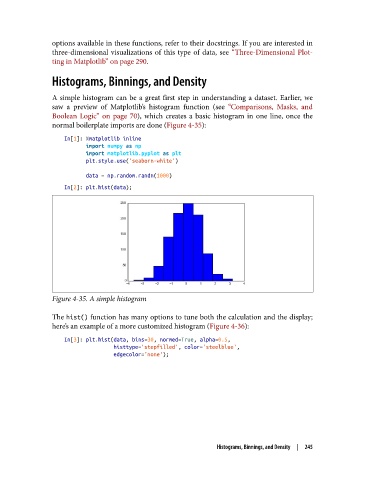
                   In[2]: plt.hist(data);


               Figure 4-35. A simple histogram


               The hist() function has many options to tune both the calculation and the display;
               here’s an example of a more customized histogram (Figure 4-36):

                   In[3]: plt.hist(data, bins=30, normed=True, alpha=0.5,
                                   histtype='stepfilled', color='steelblue',
                                   edgecolor='none');


                                                             Histograms, Binnings, and Density  |  245

