


Page 268 - Python Data Science Handbook
P. 268
In[2]: %matplotlib inline
                          import numpy as np
                   In[3]: x = np.linspace(0, 10, 1000)
                          fig, ax = plt.subplots()
                          ax.plot(x, np.sin(x), '-b', label='Sine')
                          ax.plot(x, np.cos(x), '--r', label='Cosine')
                          ax.axis('equal')
                          leg = ax.legend();


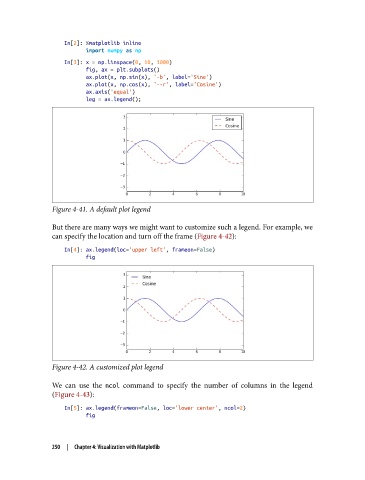
               Figure 4-41. A default plot legend

               But there are many ways we might want to customize such a legend. For example, we
               can specify the location and turn off the frame (Figure 4-42):
                   In[4]: ax.legend(loc='upper left', frameon=False)
                          fig


               Figure 4-42. A customized plot legend


               We can use the ncol  command to specify the number of columns in the legend
               (Figure 4-43):

                   In[5]: ax.legend(frameon=False, loc='lower center', ncol=2)
                          fig


               250  |  Chapter 4: Visualization with Matplotlib

