


Page 252 - Python Data Science Handbook
P. 252
plt.legend(numpoints=1)
                          plt.xlim(0, 1.8);


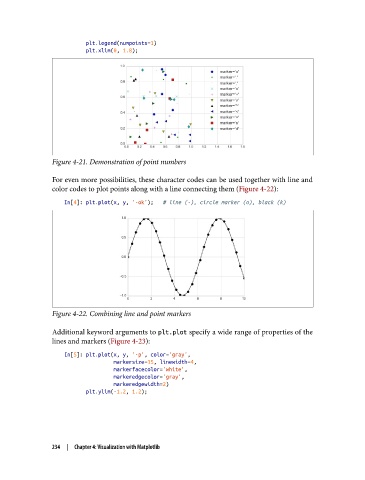
               Figure 4-21. Demonstration of point numbers

               For even more possibilities, these character codes can be used together with line and
               color codes to plot points along with a line connecting them (Figure 4-22):
                   In[4]: plt.plot(x, y, '-ok');   # line (-), circle marker (o), black (k)


               Figure 4-22. Combining line and point markers

               Additional keyword arguments to plt.plot specify a wide range of properties of the
               lines and markers (Figure 4-23):
                   In[5]: plt.plot(x, y, '-p', color='gray',
                                   markersize=15, linewidth=4,
                                   markerfacecolor='white',
                                   markeredgecolor='gray',
                                   markeredgewidth=2)
                          plt.ylim(-1.2, 1.2);


               234  |  Chapter 4: Visualization with Matplotlib

