


Page 270 - Python Data Science Handbook
P. 270
# lines is a list of plt.Line2D instances
                          plt.legend(lines[:2], ['first', 'second']);


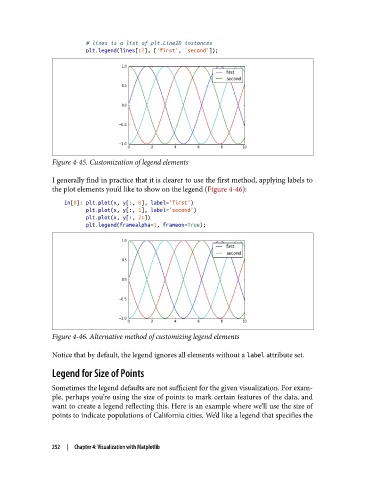
               Figure 4-45. Customization of legend elements

               I generally find in practice that it is clearer to use the first method, applying labels to
               the plot elements you’d like to show on the legend (Figure 4-46):
                   In[8]: plt.plot(x, y[:, 0], label='first')
                          plt.plot(x, y[:, 1], label='second')
                          plt.plot(x, y[:, 2:])
                          plt.legend(framealpha=1, frameon=True);


               Figure 4-46. Alternative method of customizing legend elements

               Notice that by default, the legend ignores all elements without a label attribute set.

               Legend for Size of Points

               Sometimes the legend defaults are not sufficient for the given visualization. For exam‐
               ple, perhaps you’re using the size of points to mark certain features of the data, and
               want to create a legend reflecting this. Here is an example where we’ll use the size of
               points to indicate populations of California cities. We’d like a legend that specifies the


               252  |  Chapter 4: Visualization with Matplotlib

